
📄 6 Free Professional Resume Templates to Land Your Dream Job
By Edson Santos • Last updated March 17, 2026

Your resume is your ticket to an interview. But with countless designs and formats available, choosing the right one can be overwhelming. That's why we've curated six distinct, professional, and completely free resume templates – each crafted to make you stand out for the right reasons.
Whether you're in a traditional industry like finance, a creative field like marketing, or the fast‑paced world of tech, there's a template here for you. And the best part? All of them are fully editable in our free online resume builder – no sign‑up required.
✨ Explore the Templates
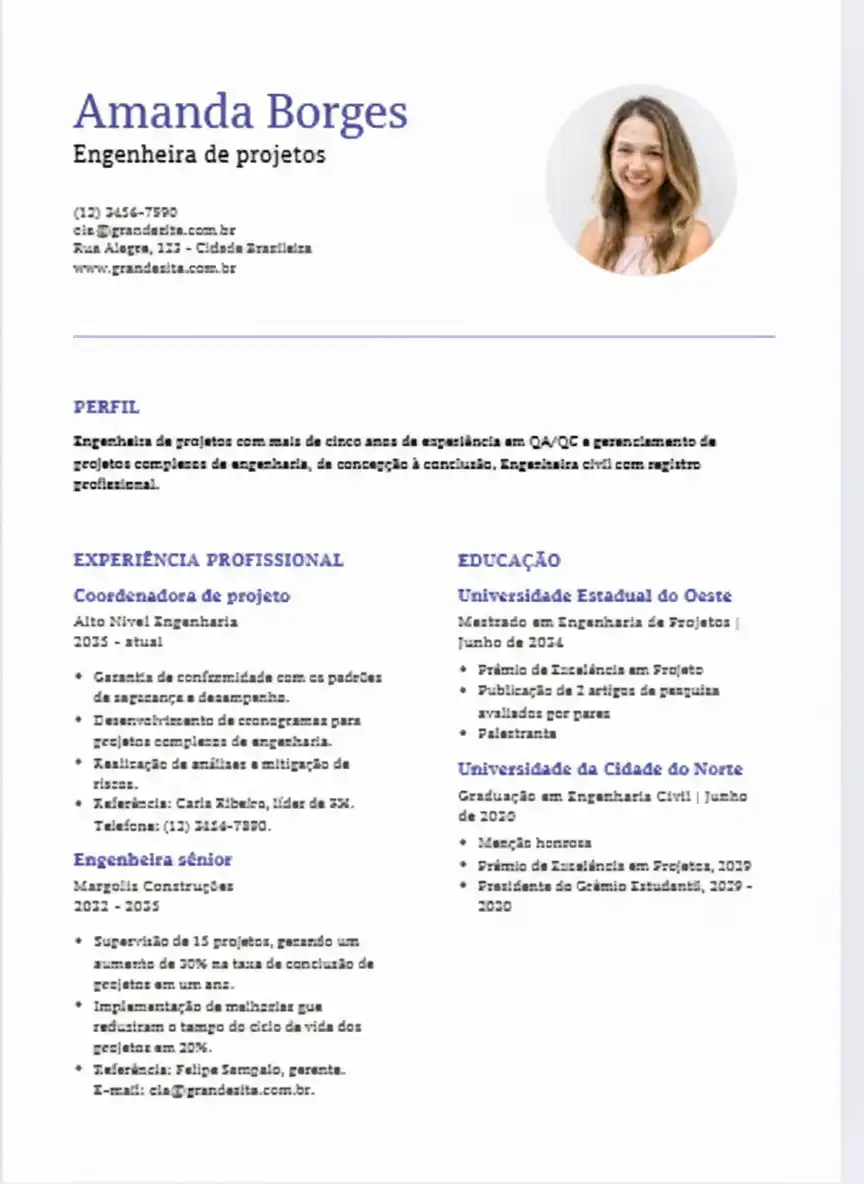
Classic
Traditional · Elegant · Timeless
The Classic template features a clean two‑column layout with subtle borders. It's perfect for corporate professionals, lawyers, and anyone who wants their experience to speak louder than design.
- Clear section hierarchy
- Optional profile photo placement
- ATS‑friendly formatting
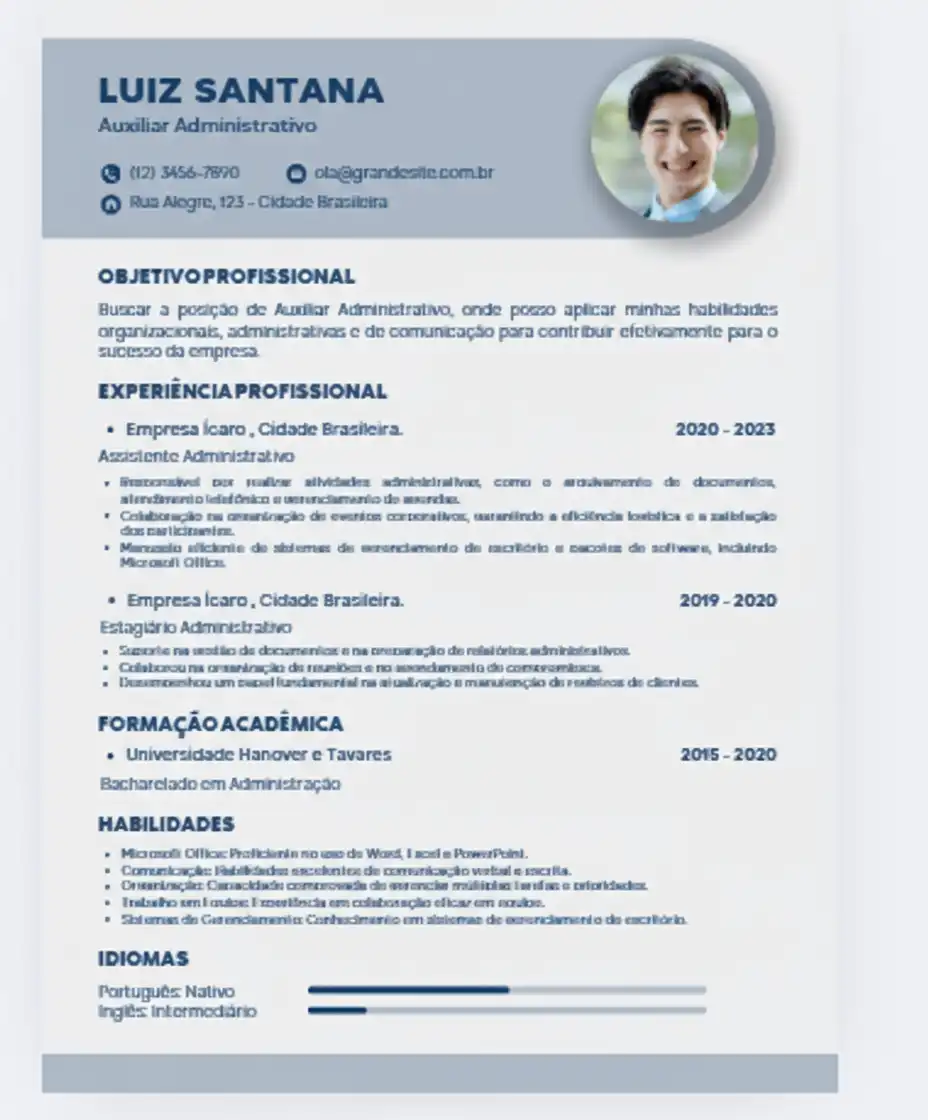
Modern
Contemporary · Clean · Versatile
With generous white space, bold headings, and a subtle splash of color, the Modern template balances professionalism with a fresh feel. Ideal for marketing, sales, and business development roles.
- Color‑coded sections
- Integrated contact icons
- Great for digital and print
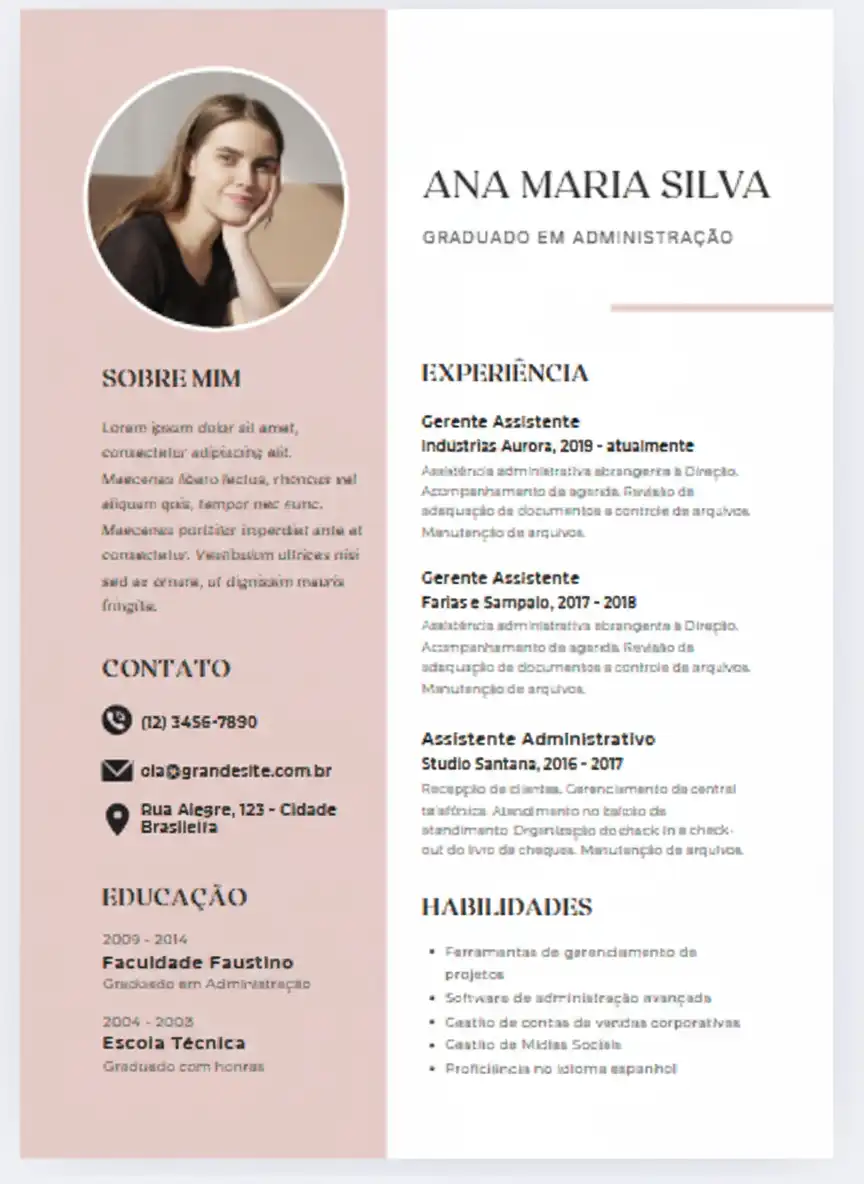
Creative
Bold · Artistic · Innovative
Designed to showcase personality, the Creative template uses asymmetric blocks, accent colors, and space for a personal logo or photo. Perfect for designers, artists, and content creators.
- Unique layout with visual flair
- Skill bars and progress indicators
- Still ATS‑compatible
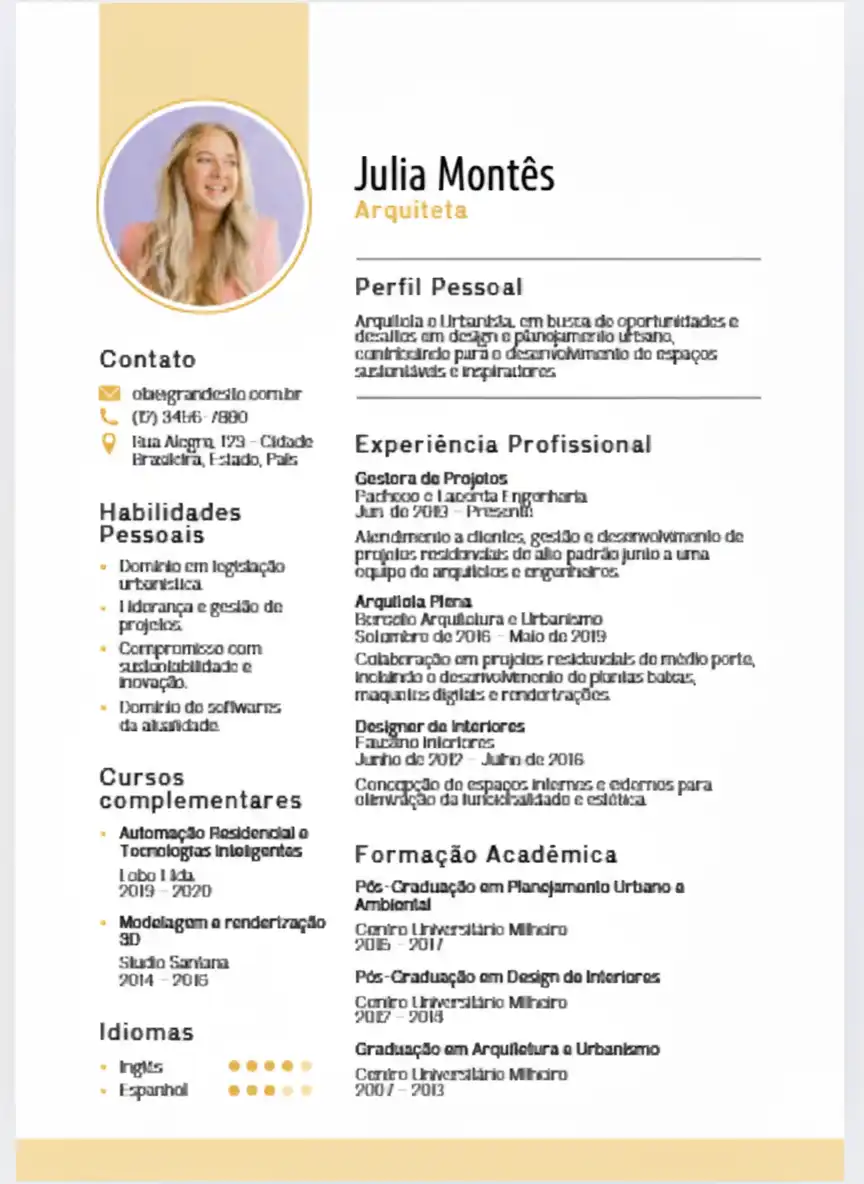
Executive
Sober · High‑Impact · Authoritative
Tailored for senior professionals and C‑level executives, this template emphasizes leadership summaries and career achievements. It uses refined typography and a dark accent color to convey authority.
- Prominent name and title
- Space for board memberships
- Quiet elegance
Professional
Versatile · Balanced · Trustworthy
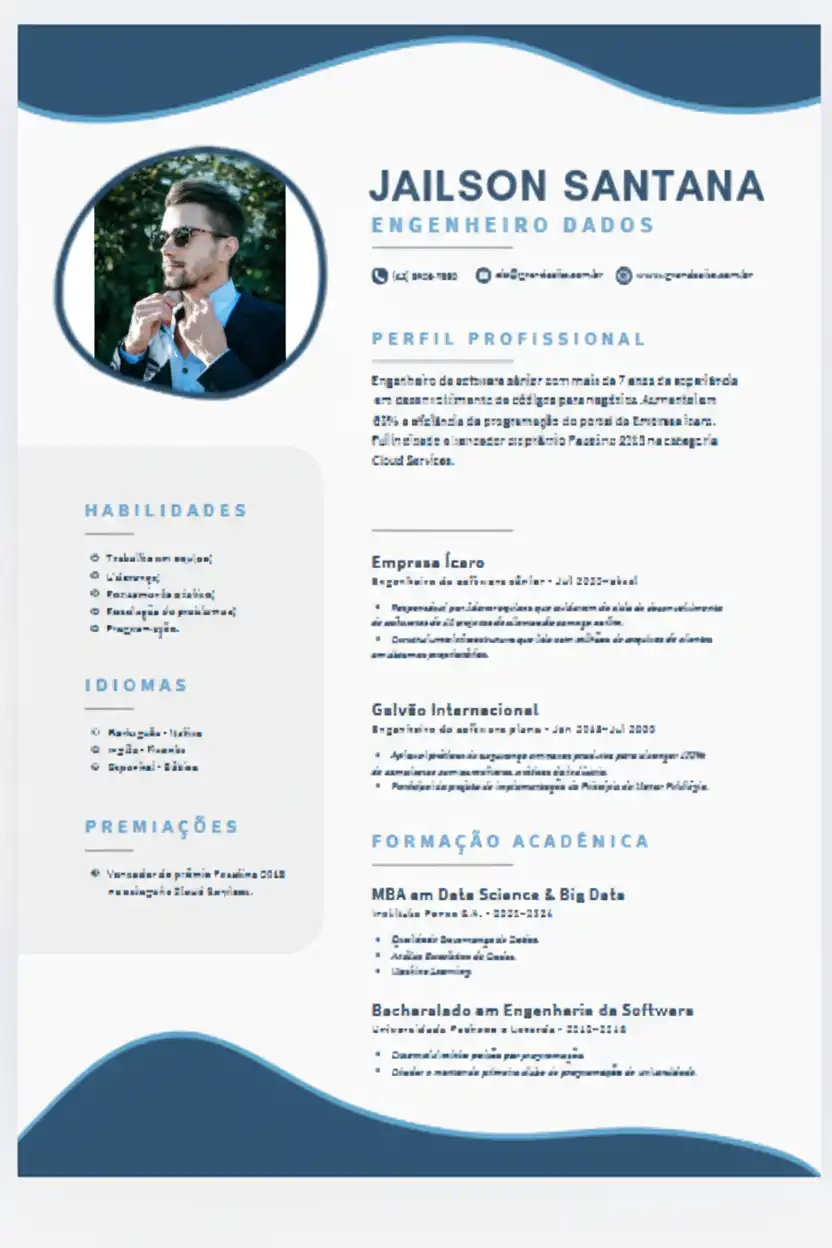
The Professional template is the all‑rounder. It combines a clean header with a two‑column layout that works for almost any industry – from education to healthcare to engineering.
- Easy‑to‑scan sections
- Subtle use of color
- Optimized for both screen and paper
Tech
Modern · Code‑friendly · Digital
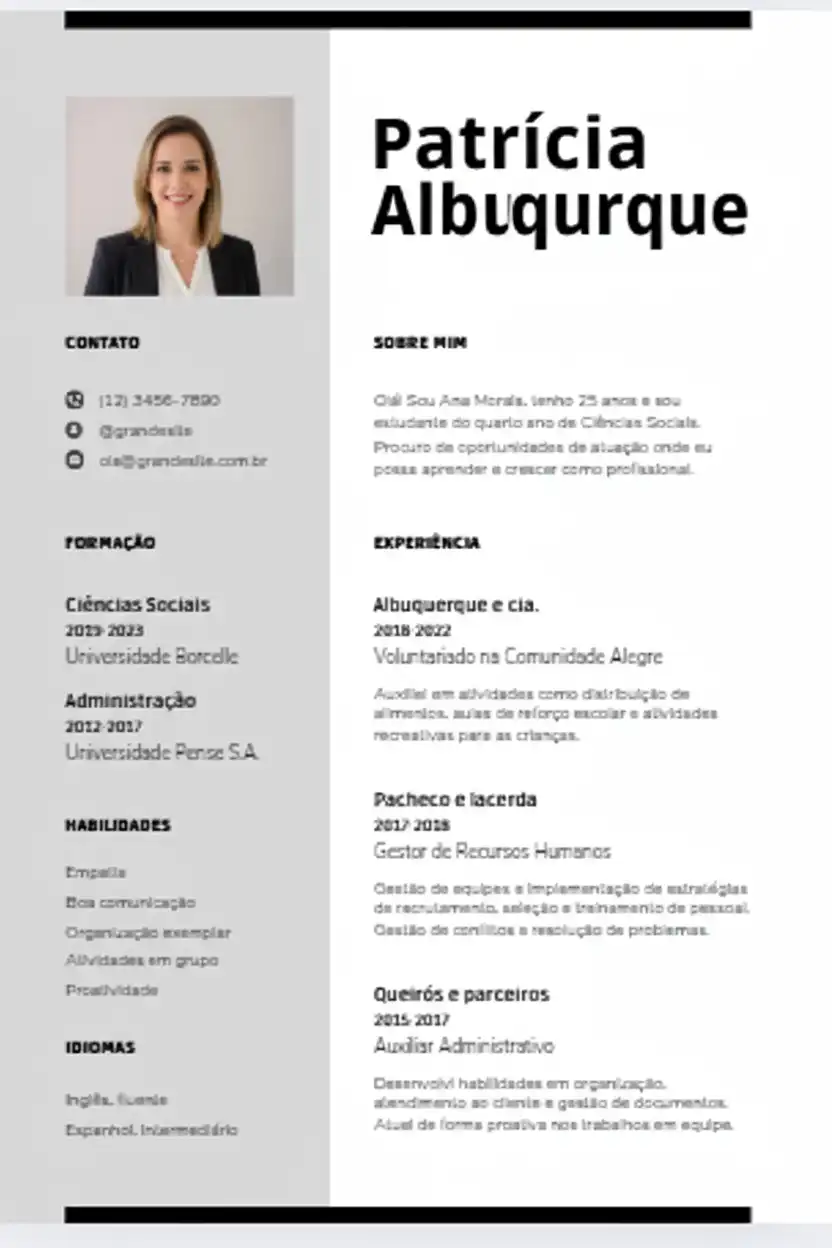
Built with developers, IT managers, and data scientists in mind, the Tech template features a monospaced font option and a layout that highlights technical skills, projects, and repositories.
- Skills matrix with proficiency bars
- Dark sidebar for contrast
- Perfect for digital portfolios
Why Start with a Template?
A template isn't about restricting your creativity – it's about giving you a head start. All our templates are:
- ATS‑friendly – parsed correctly by applicant tracking systems.
- Fully customizable – change colors, fonts, and sections in our builder.
- Print‑ready – perfectly sized for A4 and Letter.
Ready to build your resume?
No sign‑up, no cost – just a professional resume in minutes.
Launch Free Builder →Mental Triggers in Resume Design
Great resumes use subtle psychology to leave a lasting impression:
- Authority: A polished design signals credibility.
- Clarity (Cognitive Fluency): Easy‑to‑scan layouts make recruiters feel good about your application.
- Social Proof: Templates encourage you to frame achievements with numbers and results.
- Peak‑End Rule: Highlight your strongest wins at the top and end with relevant skills.
Our templates are built with these principles in mind, so you can focus on telling your story.
Frequently Asked Questions
Are these templates really free?
Absolutely. All six templates are completely free to use in our builder. You can download your final resume as a PDF without paying anything.
Do I need an account to use a template?
No account is required to start editing or to download your resume. However, if you want to save your progress and come back later, you can create a free account in seconds.
Can I change colors and fonts?
Yes! Our builder lets you customize the primary color, adjust font sizes, line spacing, and margins. You can even move the profile photo to the left or right.
Which template should I choose?
It depends on your industry. Classic and Professional are safe for corporate roles; Modern and Executive are great for management; Creative suits design fields; Tech is ideal for IT. You can always try different ones – it only takes a minute.
Keep Our Tools Free
We're committed to providing high‑quality, free career tools. If our templates helped you, consider a small donation to support development.
☕ Support Our Work


0 Comentários